DTU Messages
Spend 15 Minutes on Data Clean-Up
Throughout October, we are focusing on four cybersecurity habits that can help protect DTU’s data and systems. Under the heading “Stronger cybersecurity. Together”, we will introduce a new cybersecurity habit each week. The first is about data clean-up.
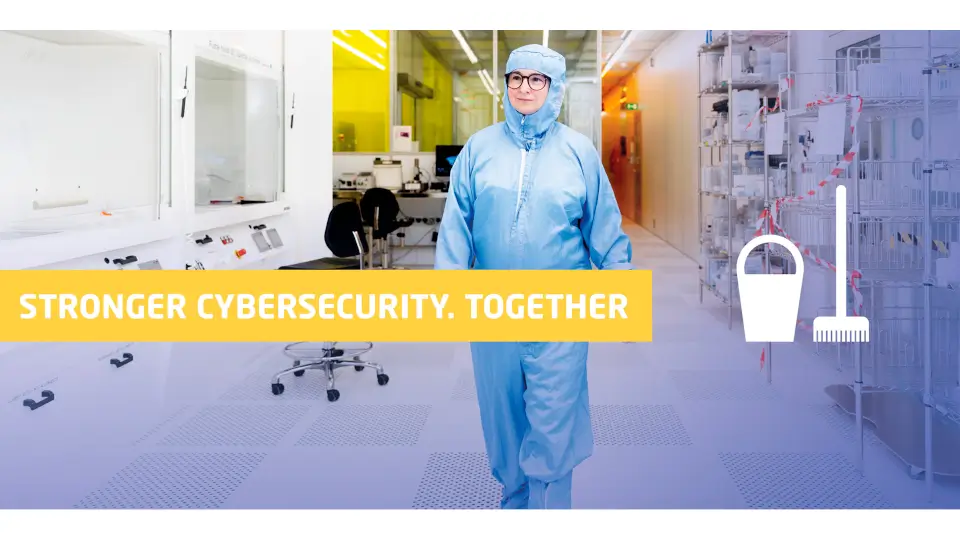
We all save a little more than we need. Old emails, duplicate files and files from completed projects tend to accumulate. You may be unsure about what to delete. You may think the files could be useful later. Or perhaps the task simply feels too overwhelming to get started.
Our message is simple:
Clean up now. Spend 15 minutes deleting or archiving material you no longer work with. We have prepared five guides (for download) to help you clean up. Choose one to start with:
Outlook
OneDrive
SharePoint & Teams
M-drive
Personal data
Would you like a quick overview?
Use the checklist (for download) to find out where to begin your data clean-up.
For example, start with old emails, the oldest or largest files, previous versions and duplicates. Focus on one area. You do not need to clean up everything at once.
Remember that personal data must be deleted once the purpose for processing it has been fulfilled and there is no longer a work-related need to retain it.
Why is data clean-up important?
Excess data still has to be stored and protected by DTU. Unnecessary data and copies can therefore:
increase the amount of information that may be affected by a security incident
result in personal data being retained for longer than necessary
make it more difficult to maintain an overview of current documents, copies and access permissions
Do not delete indiscriminately
Digital clean-up does not mean that everything old should be deleted. Always follow DTU’s guidelines on document retention, records management and archiving.
Important documents should not be stored only in your mailbox. If an email or file needs to be retained as documentation, it must be archived in accordance with DTU’s current procedures, for example in DTU DOCX.
When cleaning up:
Delete if the material no longer serves a work-related purpose and does not need to be retained.
Archive if the material must continue to be retained as documentation.
Make data clean-up a habit
When you complete a project or task, review the project files. Delete or archive them in accordance with the instructions in the five guides.
This makes clean-up more manageable and reduces the risk of unnecessary data accumulating.
Downloads
List settings
Go to messages.dtu.dk
Last updated by:
Nasrin Sharif Billie
Does not push to email